My Role
Lead Product Designer
Turn employee signals into timely communication, self-service, and action.
Lead Product Designer
I led the end-to-end modernisation of Nexthink’s communication platform, guiding its strategic shift from a legacy desktop application to a collaborative SaaS platform. My role extended beyond execution, where I defined the product vision for a new campaign workflow. I owned the full design lifecycle, conducting deep competitor analysis and customer interviews to align the roadmap with market needs, delivering a solution that increased usage and moving towards AI-powered insights.
Impact
Context: Nexthink Finder was a complex desktop application built for IT engineers. This technical barrier prevented HR and Comms teams from using the Engage tool directly, creating dependency on IT for every message sent. Nexthink’s strategy to move all modules to the cloud allowed it to become a modern, web-based SaaS platform, democratising access for non-technical users.
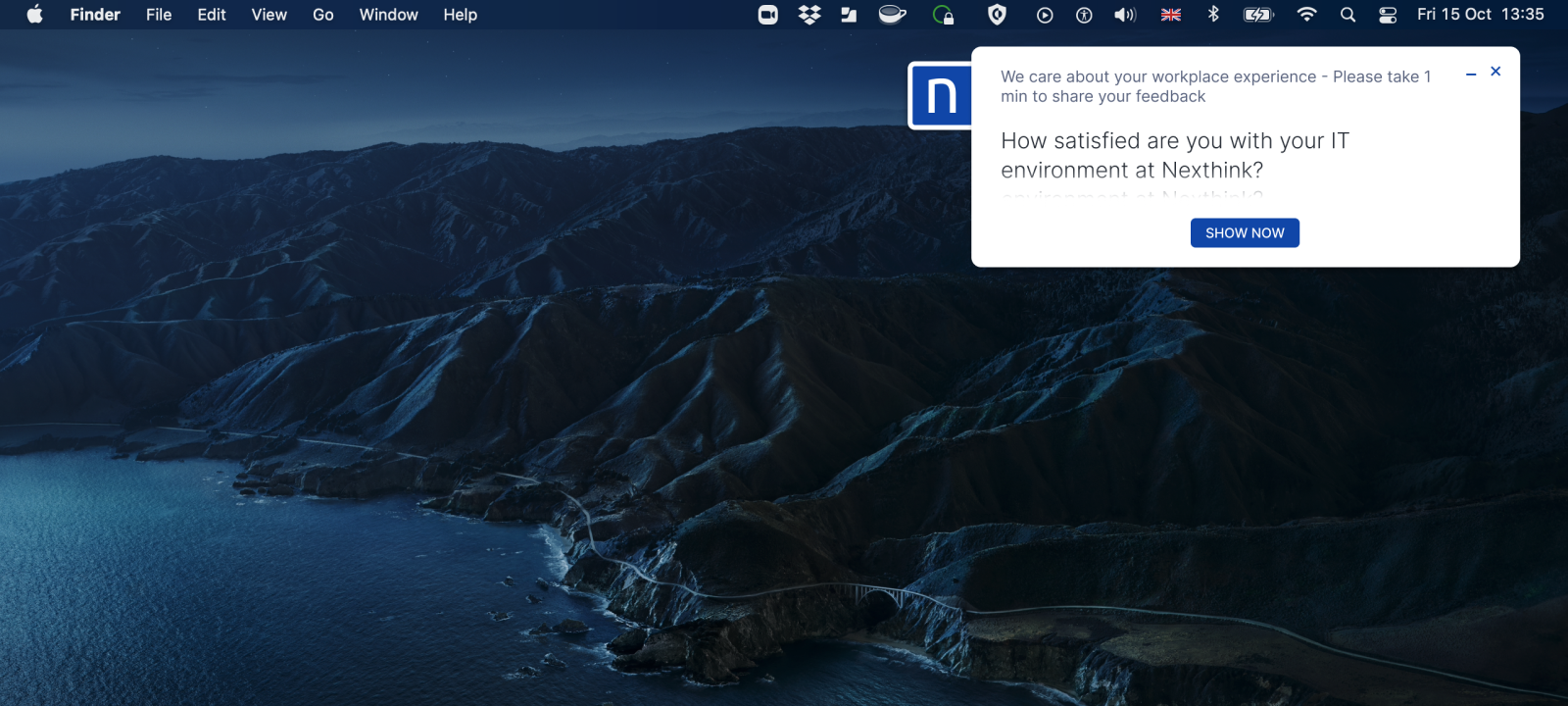
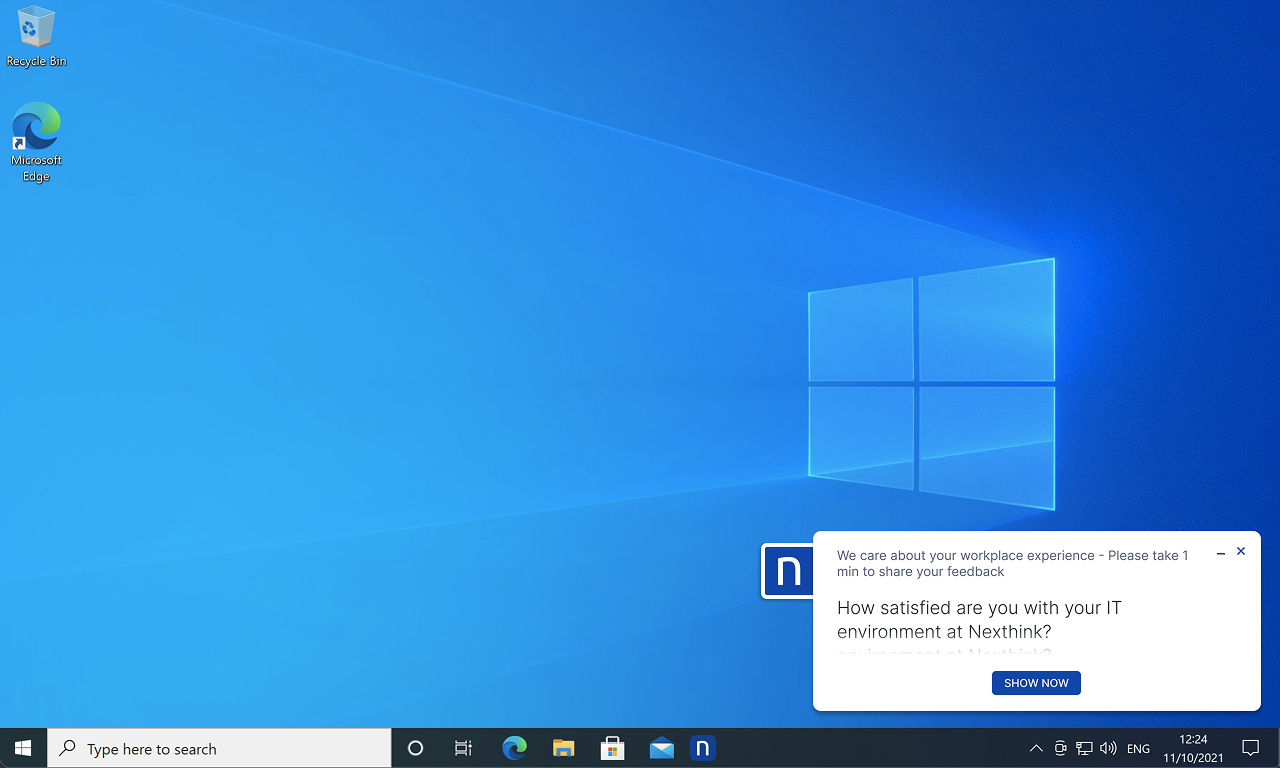
Problem: Employees were ignoring IT communications (Emails, MS Teams and Slack). The legacy desktop pop-ups appeared as system errors or malware. We faced a critical issue where employees didn’t trust the application and wouldn’t answer the campaign, rendering the product unusable and lost of customer usage. Sales teams reported procurement issues due to public sector and government customers refusing to purchase Engage because it failed WCAG accessibility standards.
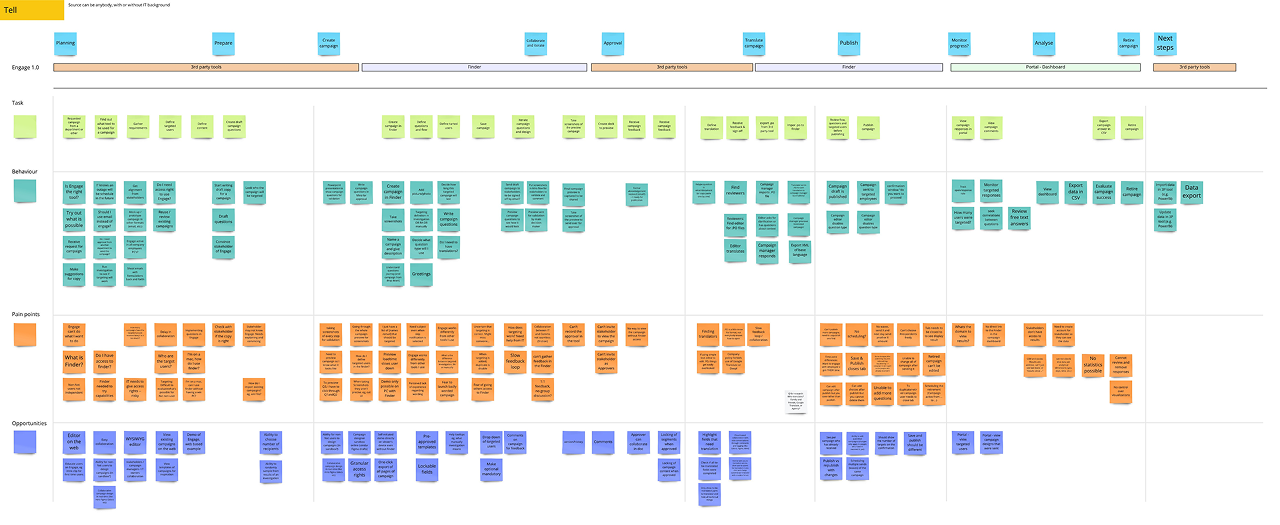
I led a global research initiative across North America and Europe, interviewing IT Admins, HR teams and Managed Service Providers (MSPs). To ensure we built a platform that worked for both technical and non-technical users. By mapping the end-to-end campaign creating we uncovered a fractured process. While IT Admins were comfortable with the tool’s complexity, our new target personas (Internal Comms, HR) found the interface intimidating, forcing them to abandon the product in favour of email.
Key Insights
To manage the risk of redesigning a platform used by millions of employees, I orchestrated the strategy across three key layers: the creator experience, the employee experience (OS application), and the analyst experience.
Finder to Cloud
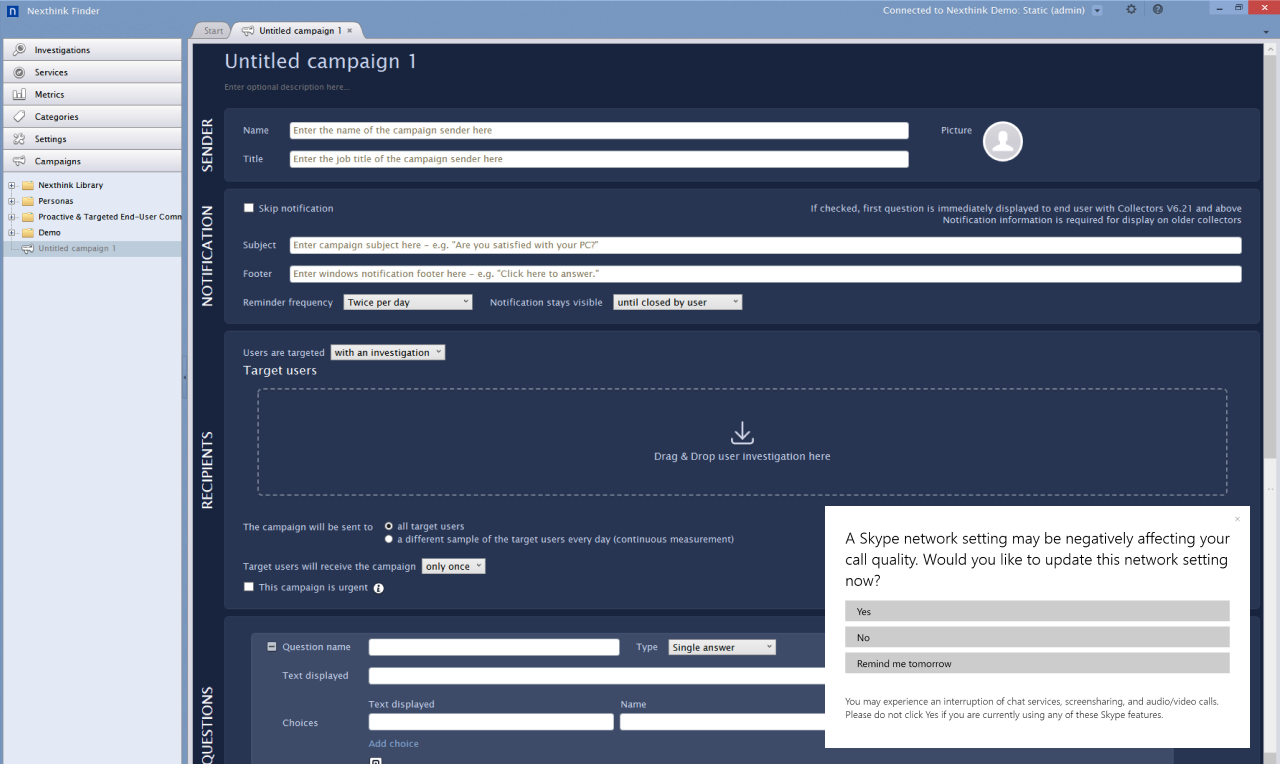
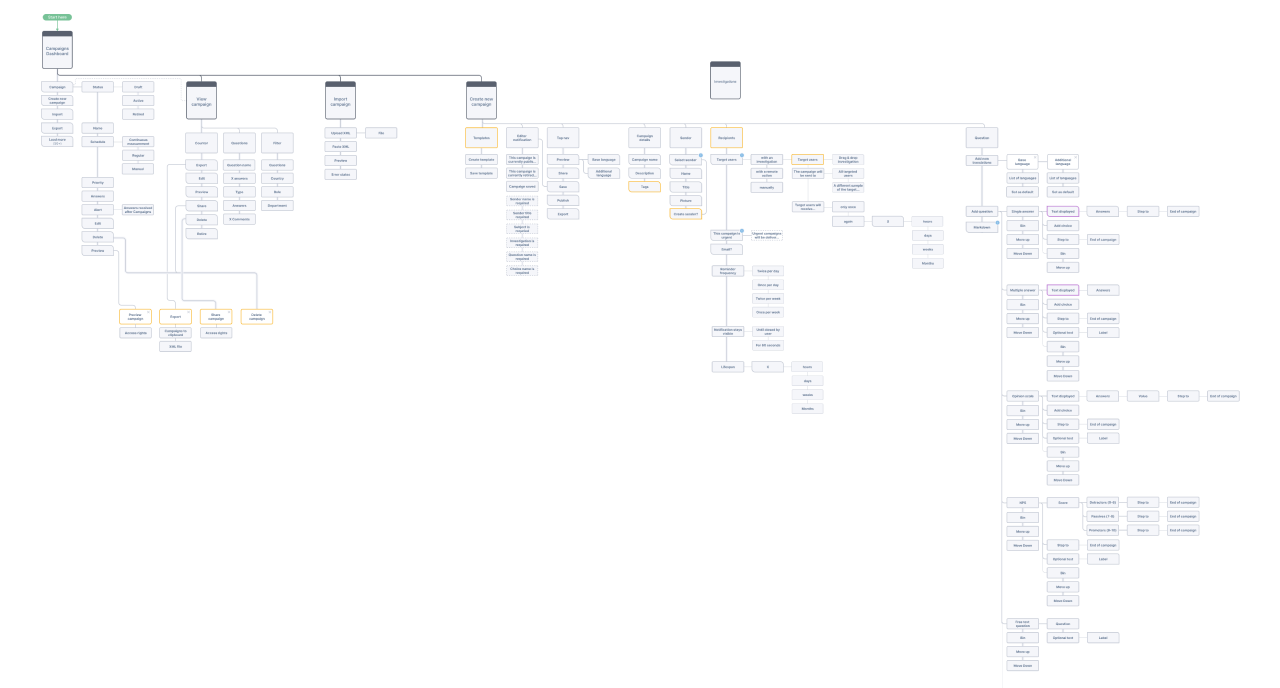
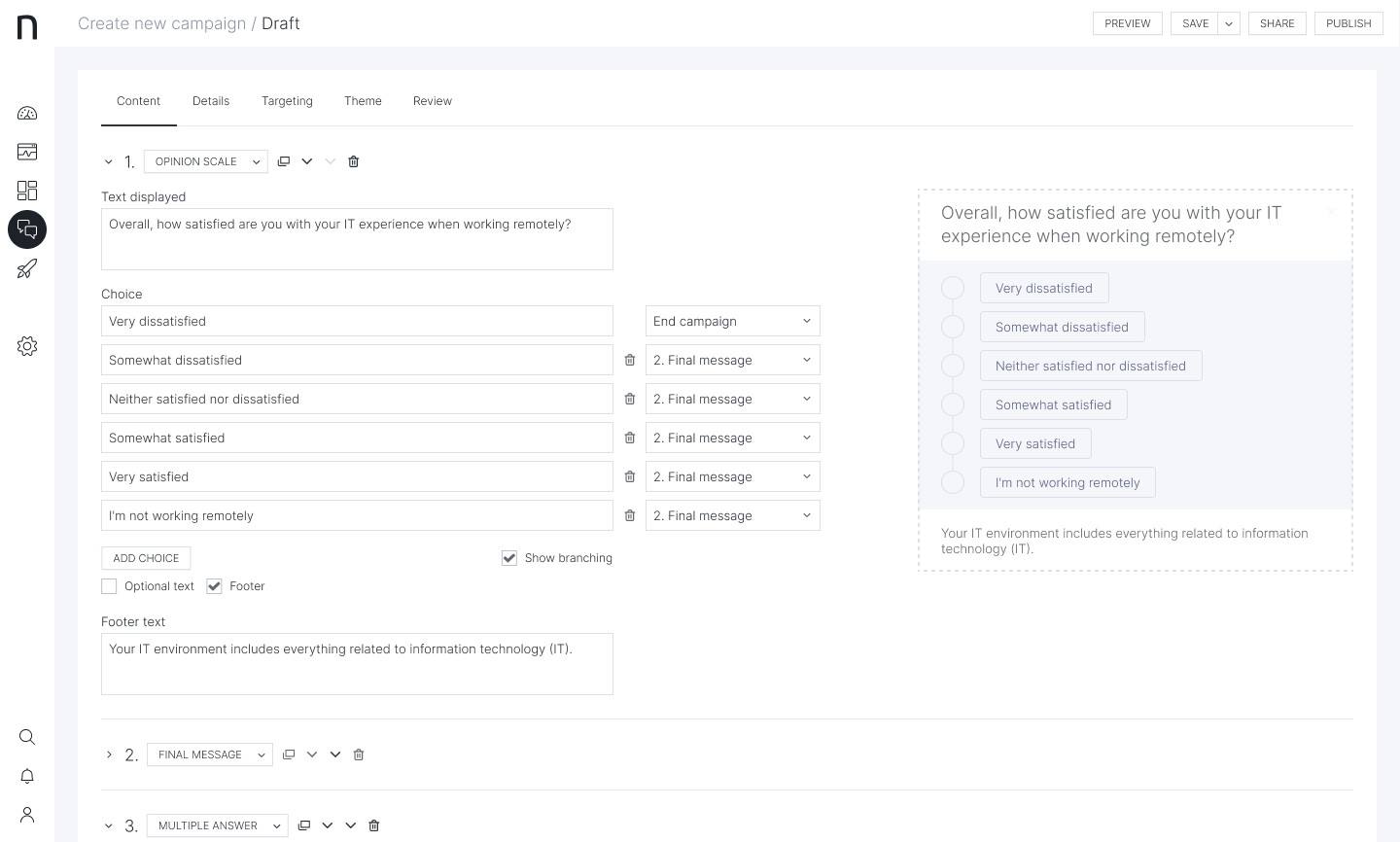
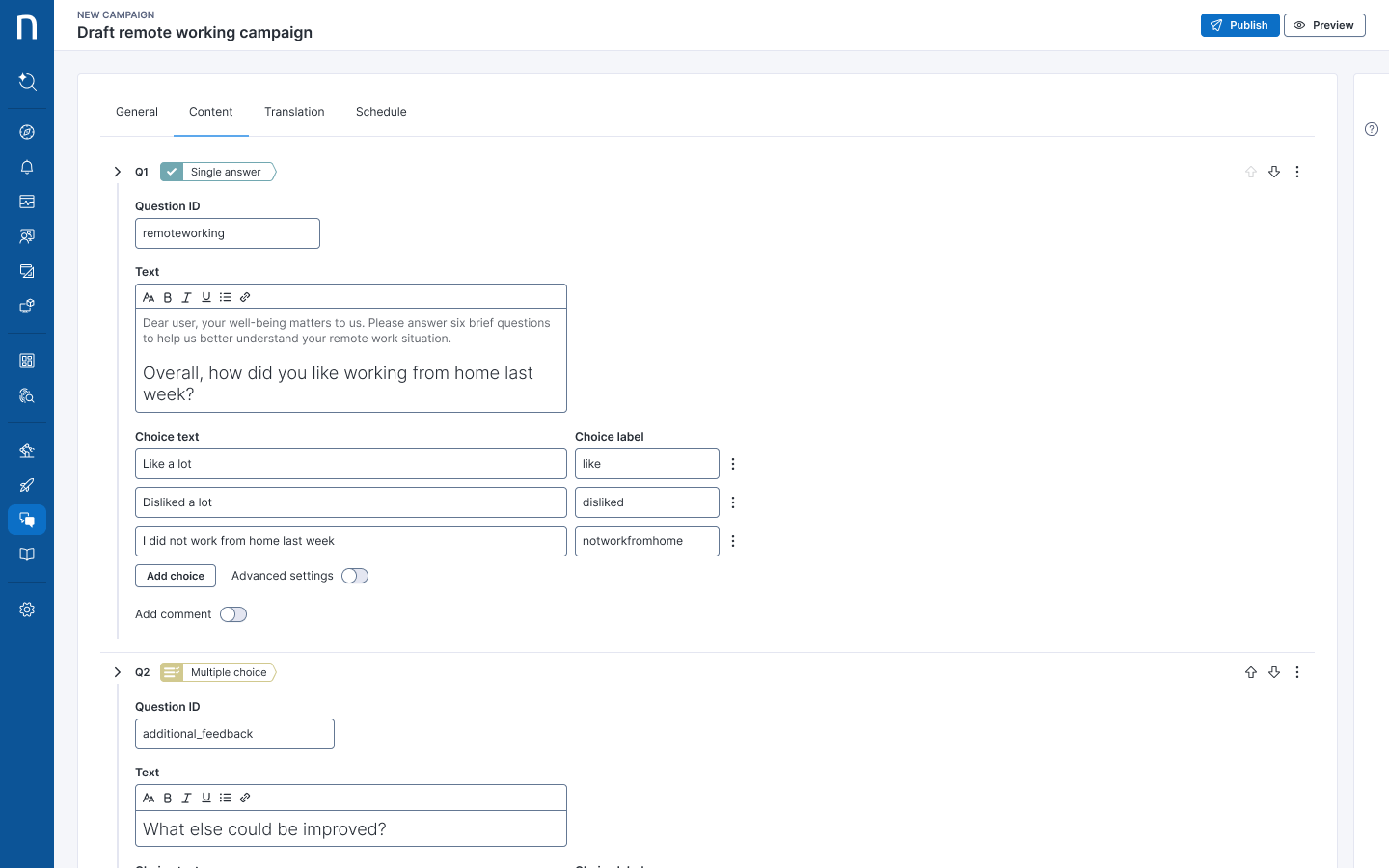
The legacy Finder was a desktop application built for engineers and only accessible to technical IT admins. To allow the Engage to be used by HR and Comms, I led the design of the Infinity web editor, moving the creation process 100% to the cloud. We replaced database-style inputs with a modern rich text editor, allowing non-technical users to build, review, and comment on campaigns directly in the browser, eliminating the need to email screenshots for approval.
Designing for Trust
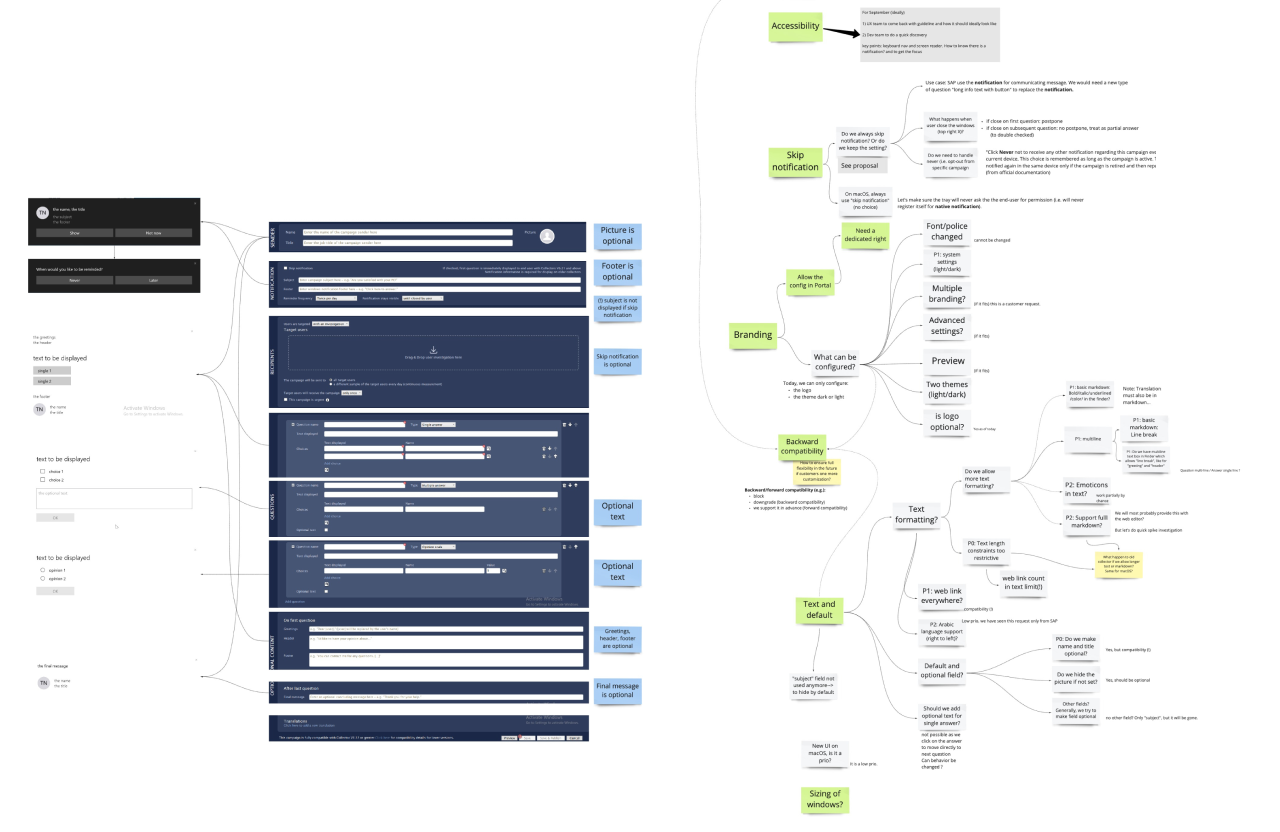
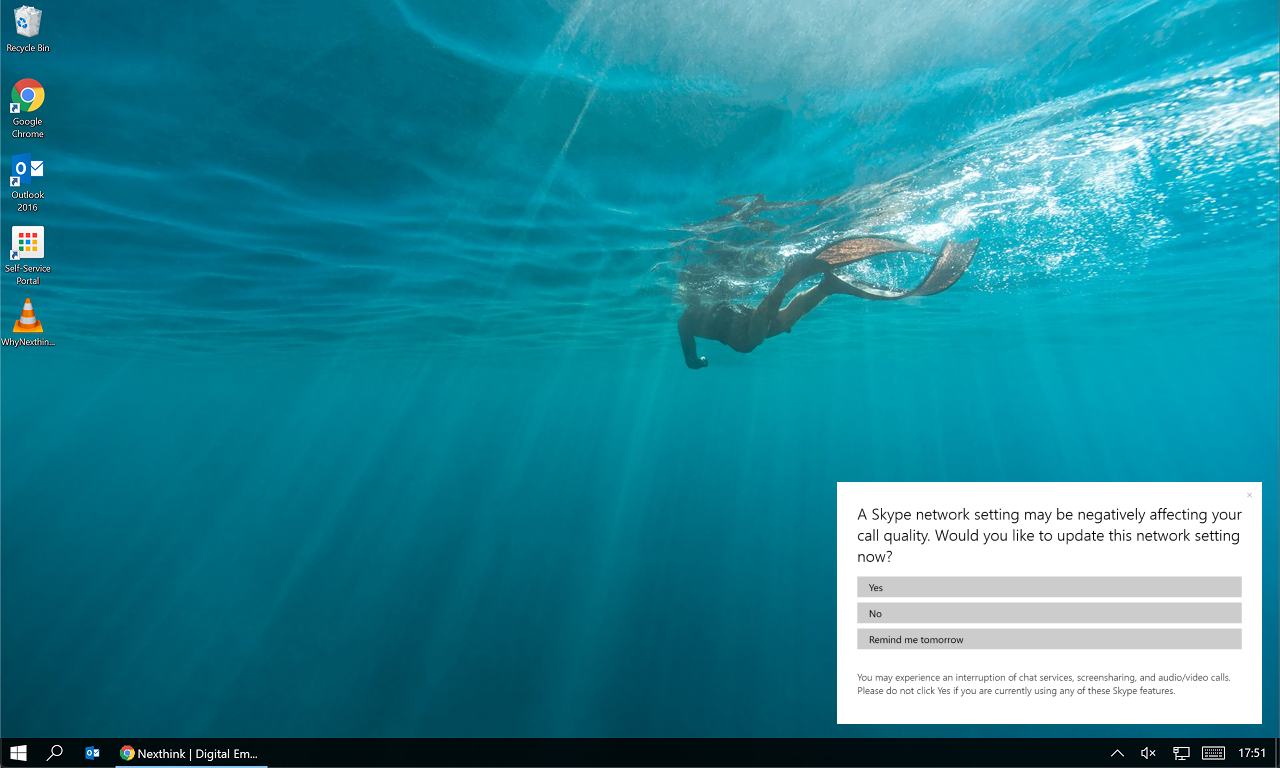
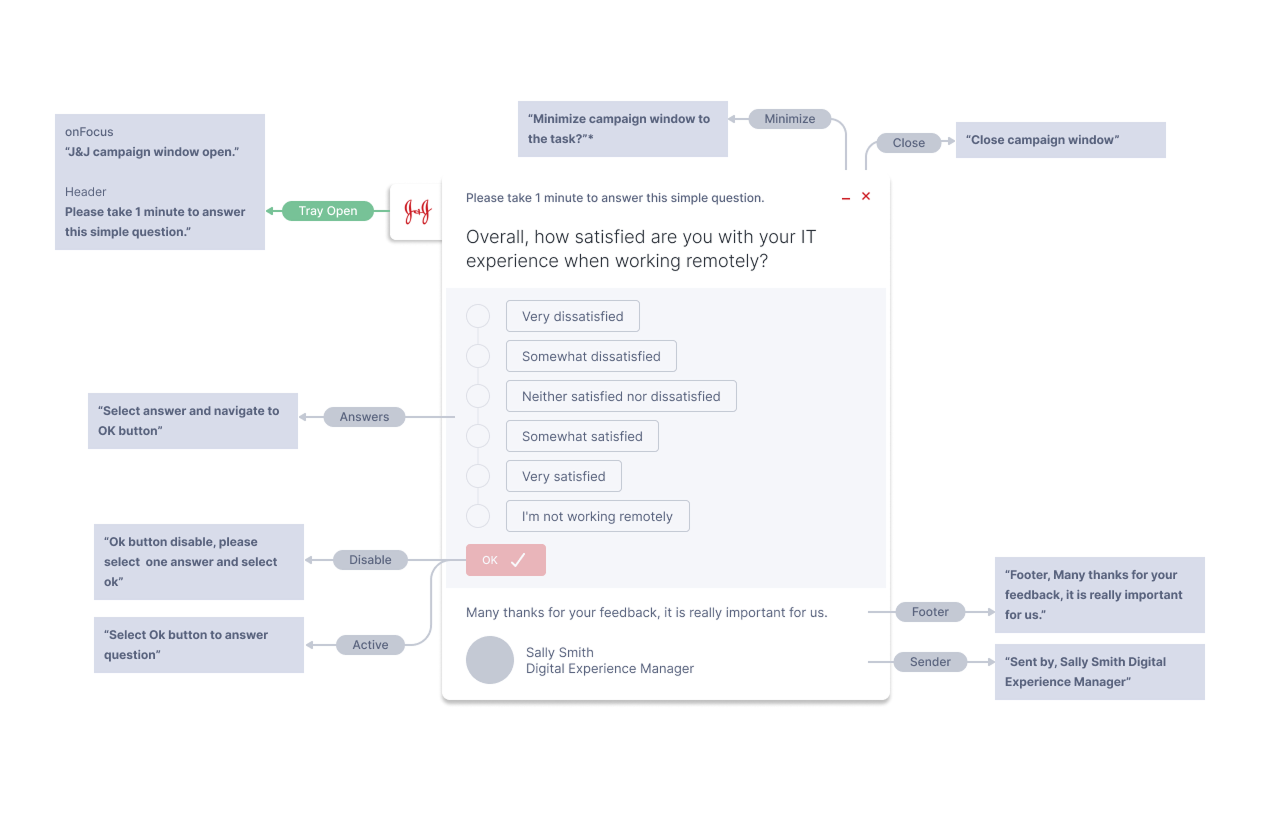
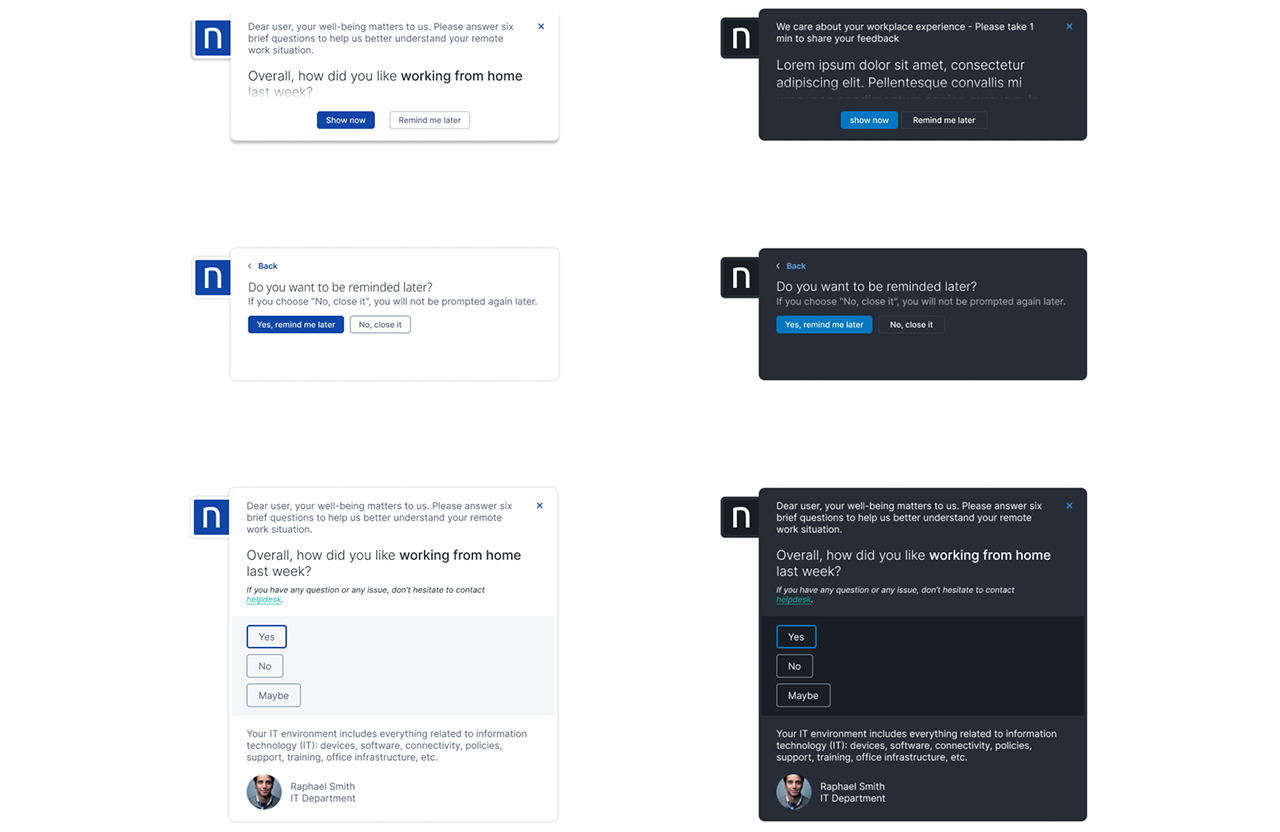
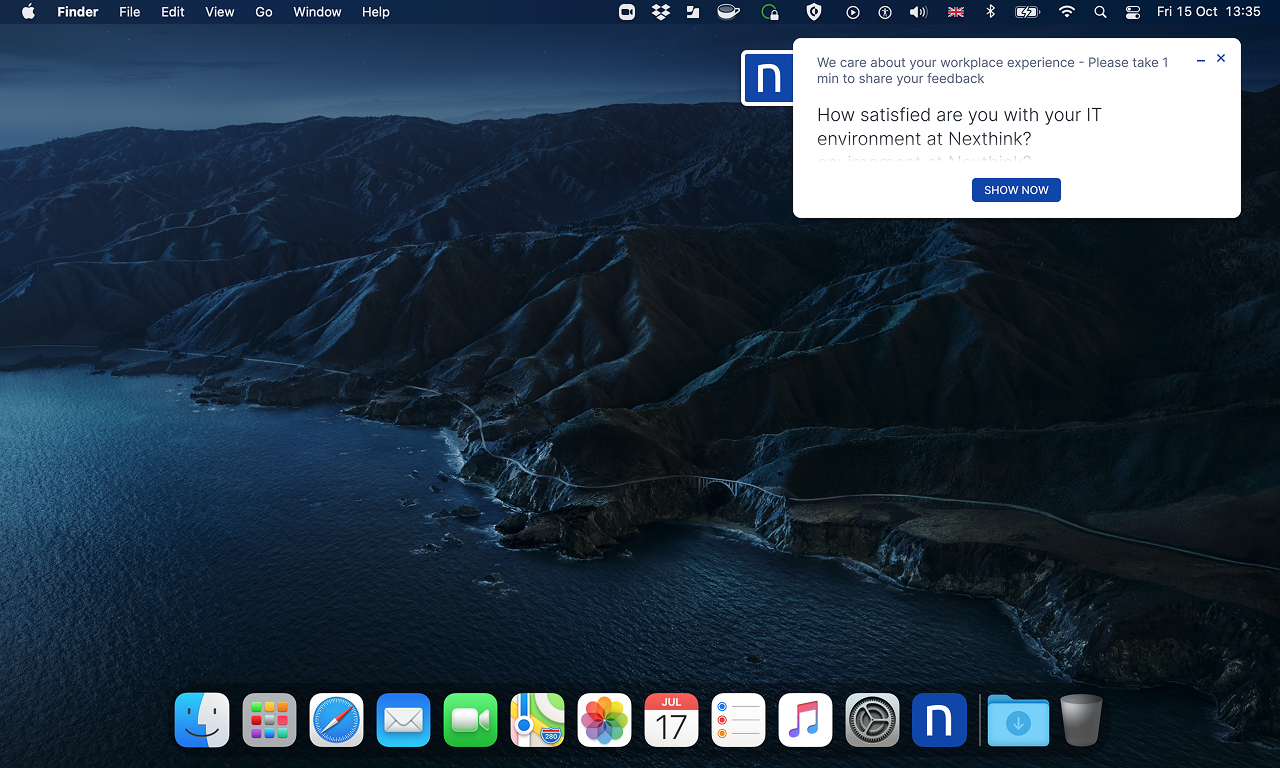
Our research showed that employees treated the legacy pop-ups like malware. To solve this, I redesigned the native OS app (macOS & Windows) to prioritise corporate identity. Exploring white-labelling capabilities, companies could apply their own logos and colours.
Dashboard Analytics
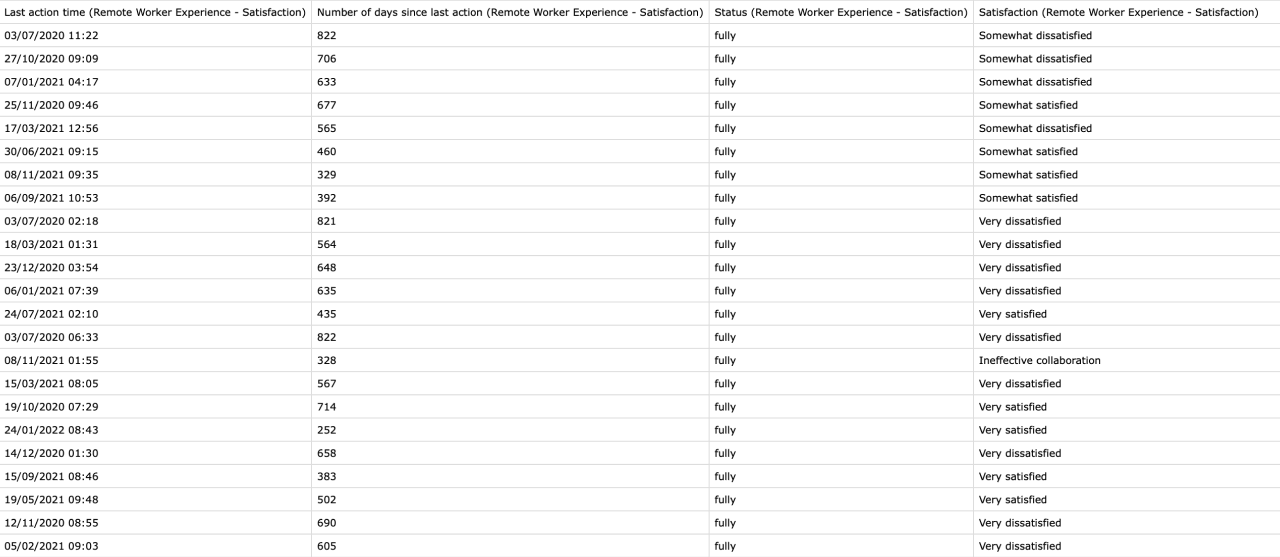
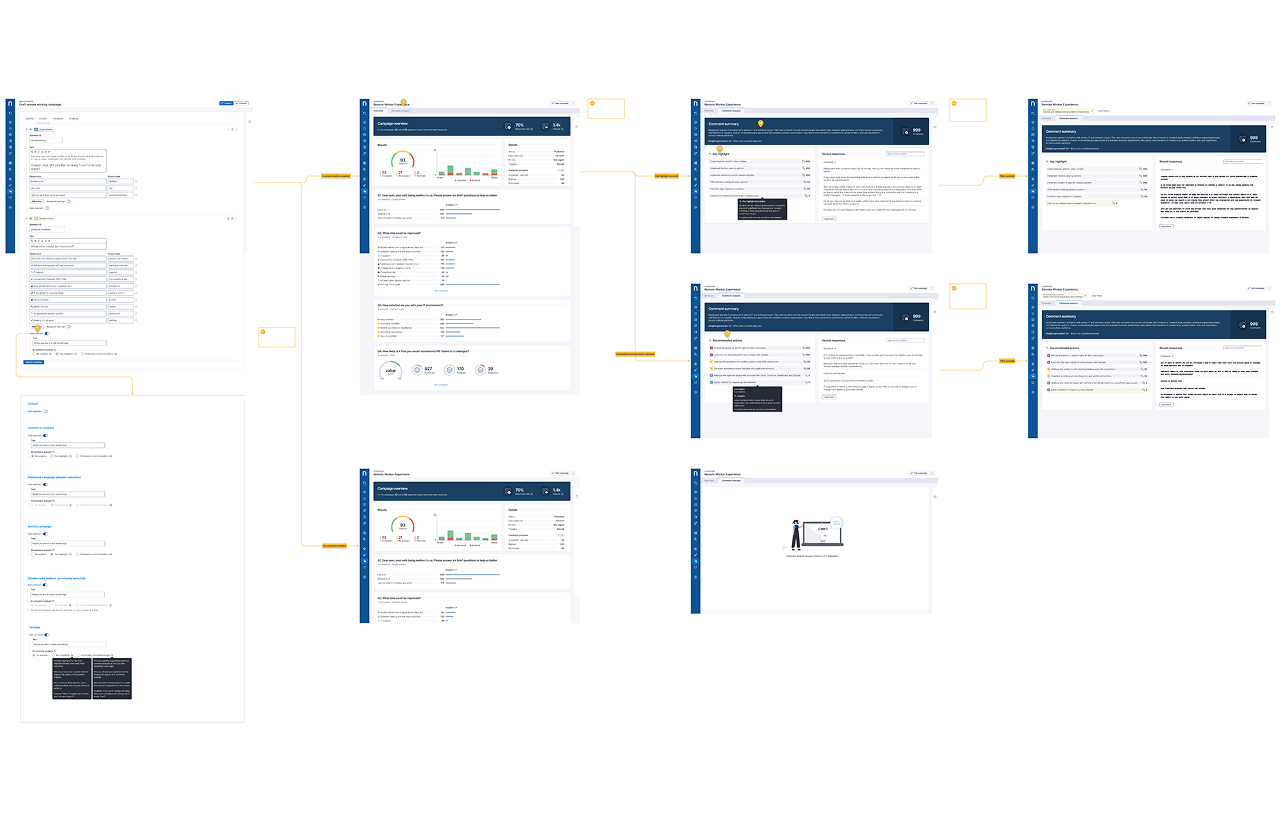
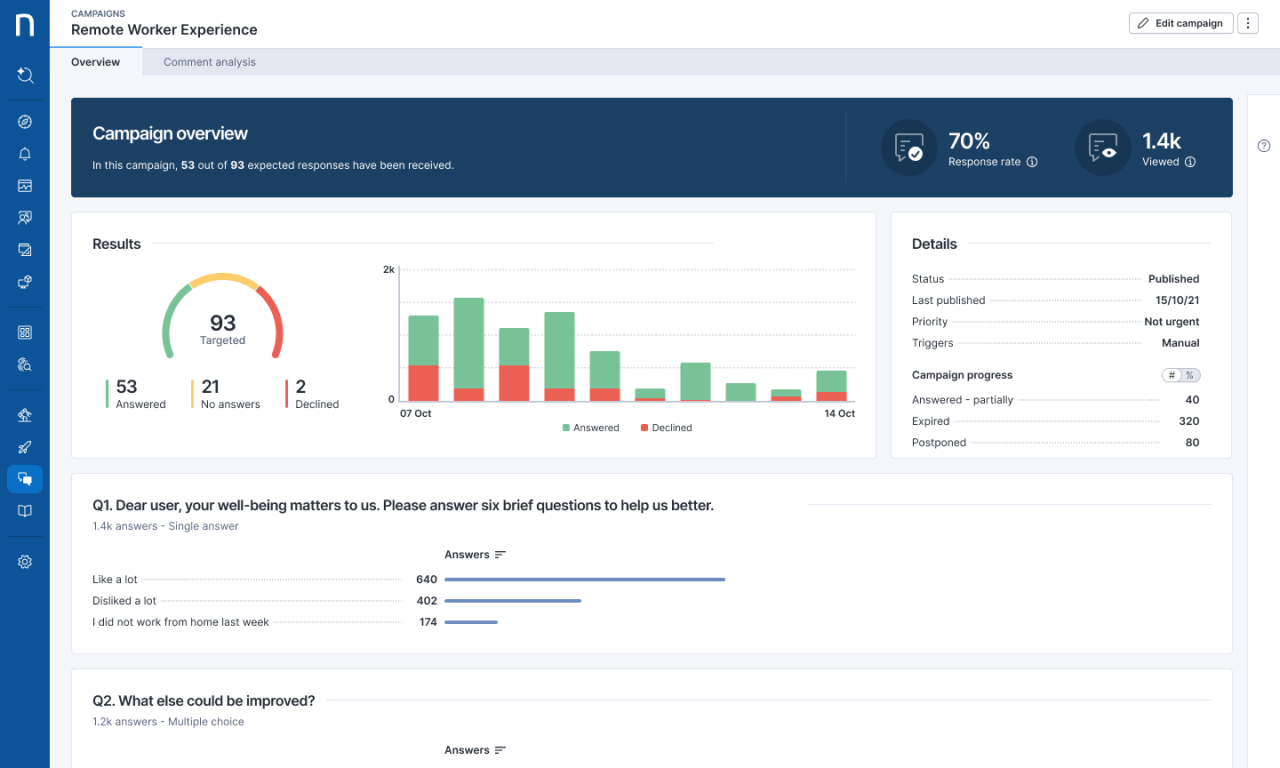
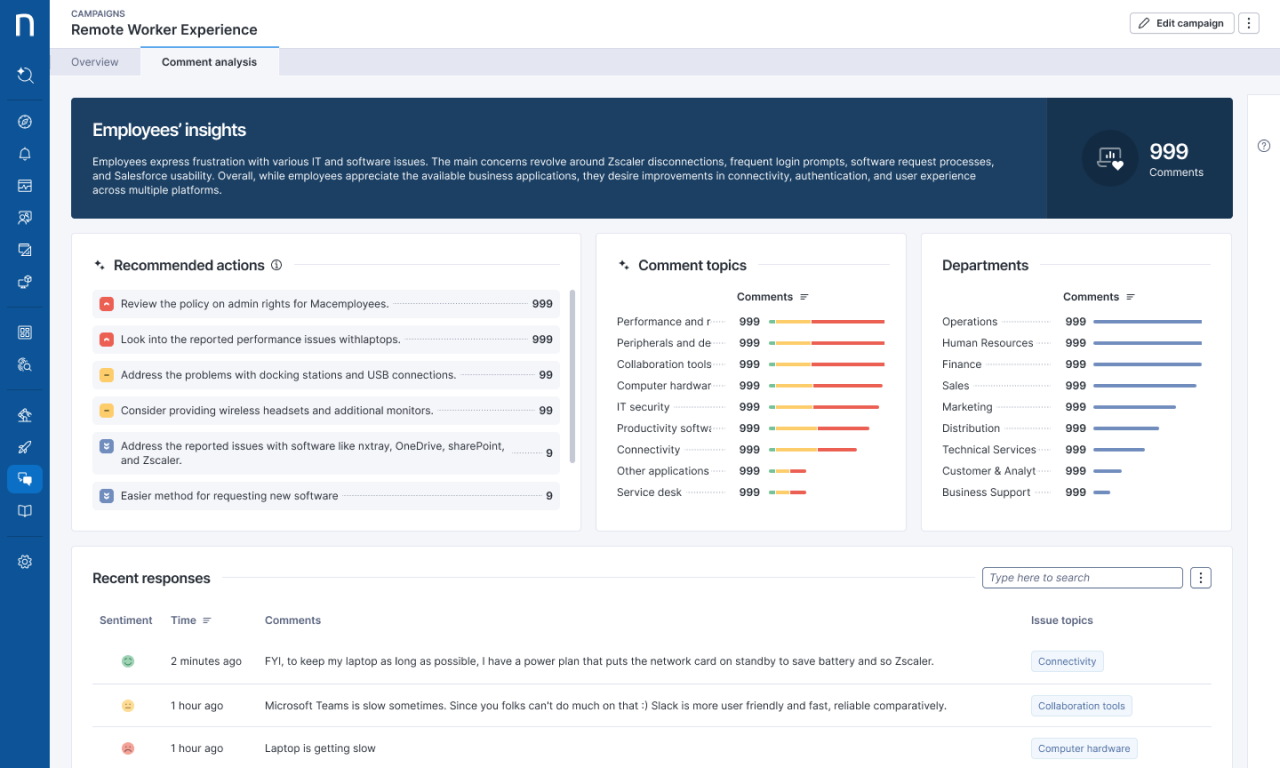
Managers were ignoring the previous results dashboard and preferring to export CSVs to other analytics tools. I shifted the dashboard strategy from simple metrics to actionable insights. I needed to explore a clear breakdown of responses per question, AI-driven insights that automatically group thousands of open-text comments into themes and actions.
Migrating legacy desktop features to the cloud meant we needed to ensure existing power users didn’t lose functionality, while removing technical friction for non-technical users. I spent time interviewing the Engineering and Product teams on how complex legacy logic would translate to a browser-based environment. During this phase, we also explored a dedicated native mobile app. However, by prototyping the end-to-end journey, employees would refuse to install a work app on their personal devices.
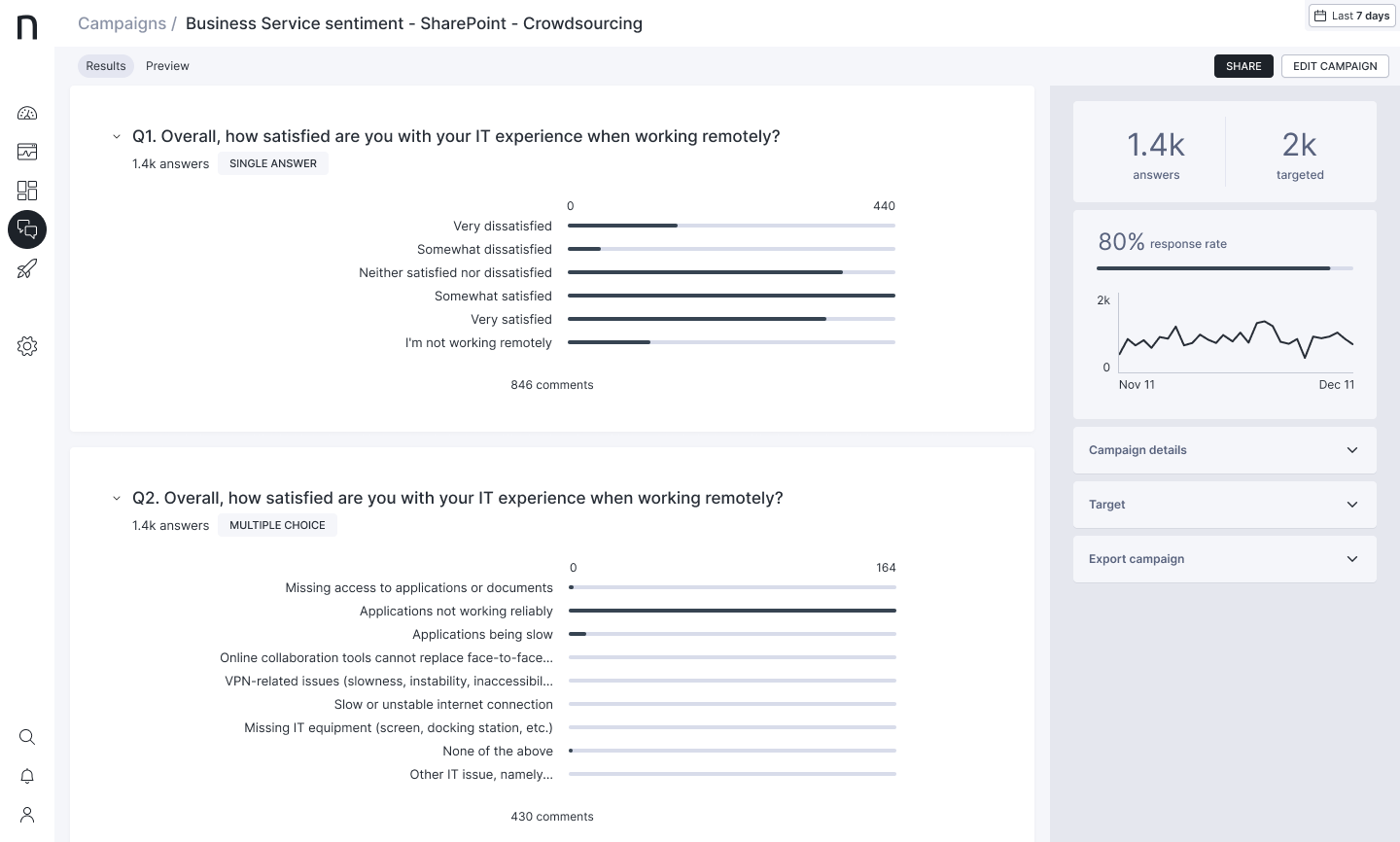
I established a validation framework involving usability sessions and weekly testing with enterprise partners like EY, MassMutual, and Cigna. This direct access allowed us to validate risks in real-time and challenge our assumptions.
Campaign creation
Early testing revealed a broken approval workflow. Non-technical creators (HR) struggled to sign off on complex surveys, often resorting to sending screenshots either via email or presentation decks.
Fix: I designed a review and live preview that could easily be reviewed by stakeholders to experience the campaign exactly as an employee would, streamlining the internal sign-off process from several days to hours.
Application Trust
Feedback consistently showed that employees treated the legacy pop-ups like malware or system errors, instinctively closing them without reading.
Fix: With branding, this allowed customers to wrap the interface in their own corporate identity. Validation confirmed that employees were significantly more likely to interact with trusted internal comms.
Campaign fatigue
A recurring theme was that access to other departments would unknowingly increase the number of pop-ups on the same day, leading users to ignore the tool entirely.
Fix: I introduced a calendar overview where users could review how many campaigns have been sent.
Accessibility Audits
While we aimed for full accessibility compliance, the public sector clients required VPAT documentation.
Fix: I partnered with ShawTrust, a UK-based accessibility agency, to conduct third-party audits. We iterated on their findings yearly for colour contrast, keyboard navigation and screen reader support.
The modernisation of Engage successfully transformed the product from a niche desktop product into a collaborative SaaS platform. By removing technical barriers, it became a primary driver for cloud adoption, empowering IT, HR, and Comms teams to reach 25 million employees.
The Engage enterprise communication tool contributed to Nexthink ranking 1st for “Employee Enablement” in the Gartner Critical Capabilities report, helping secure the company’s position as a Leader in the Magic Quadrant for three consecutive years.
Designing Engage reinforced that expanding an enterprise product beyond IT admins requires a delicate balance of power and governance. I learned that to democratise a tool, you must design the safety rails. Creating granular permission flows allowed non-technical users to act confidently, while giving IT the clear control necessary to reduce risk and misuse. By transforming campaign results into actionable insights using aggregation and actionable AI insights, we shifted Engage from a passive reporting utility into a proactive decision-support product.
Accessibility is not only inclusive design, but also a strategic business asset. Advocating for these standards didn’t just support screen reader users, it also future-proofed the platform and unblocked sales opportunities in the public sector.